Budgets and spending control
Set budgets, track spending, get alerts on overspend.
14 days full access · No commitment · Cancel anytime
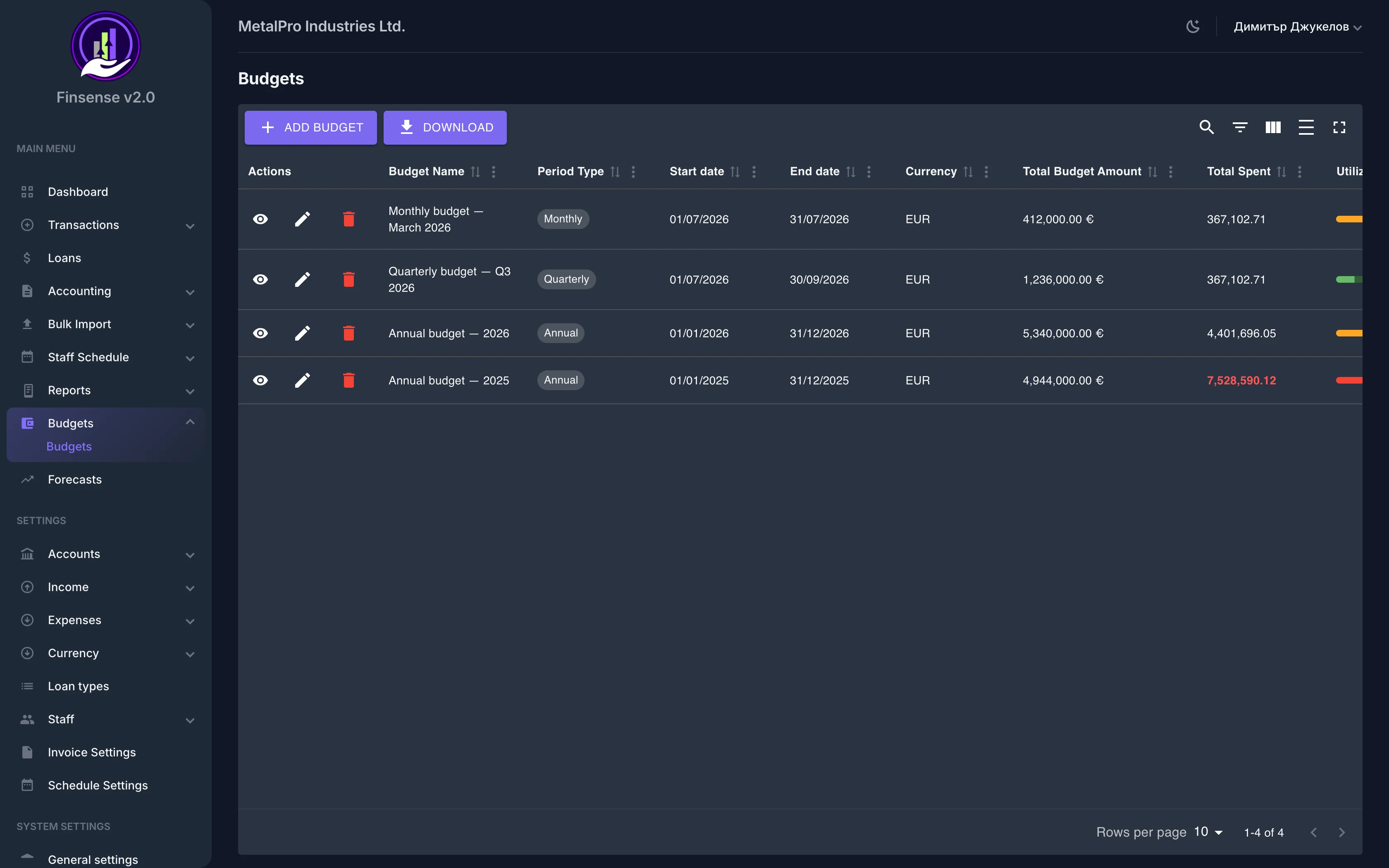
How budget control works in Finsense
Set budgets, track spending, get alerts on overspend.
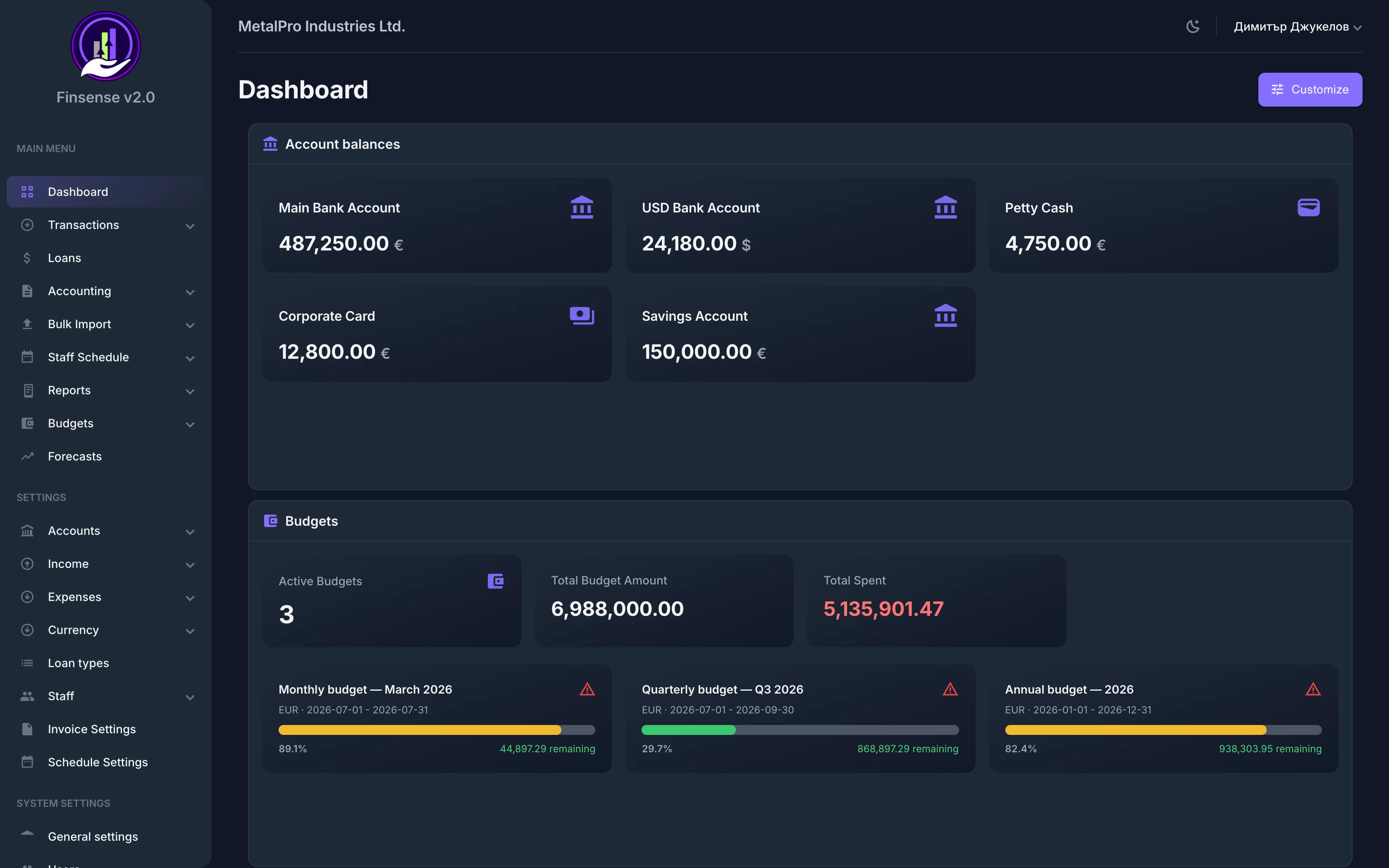
Stay on top of your spending limits with Finsense's budget management. Create budgets by period (monthly, quarterly, annual), allocate amounts by expense group, supplier, or account, and track real-time utilization with progress bars and warning thresholds — all computed live from your actual expense data.
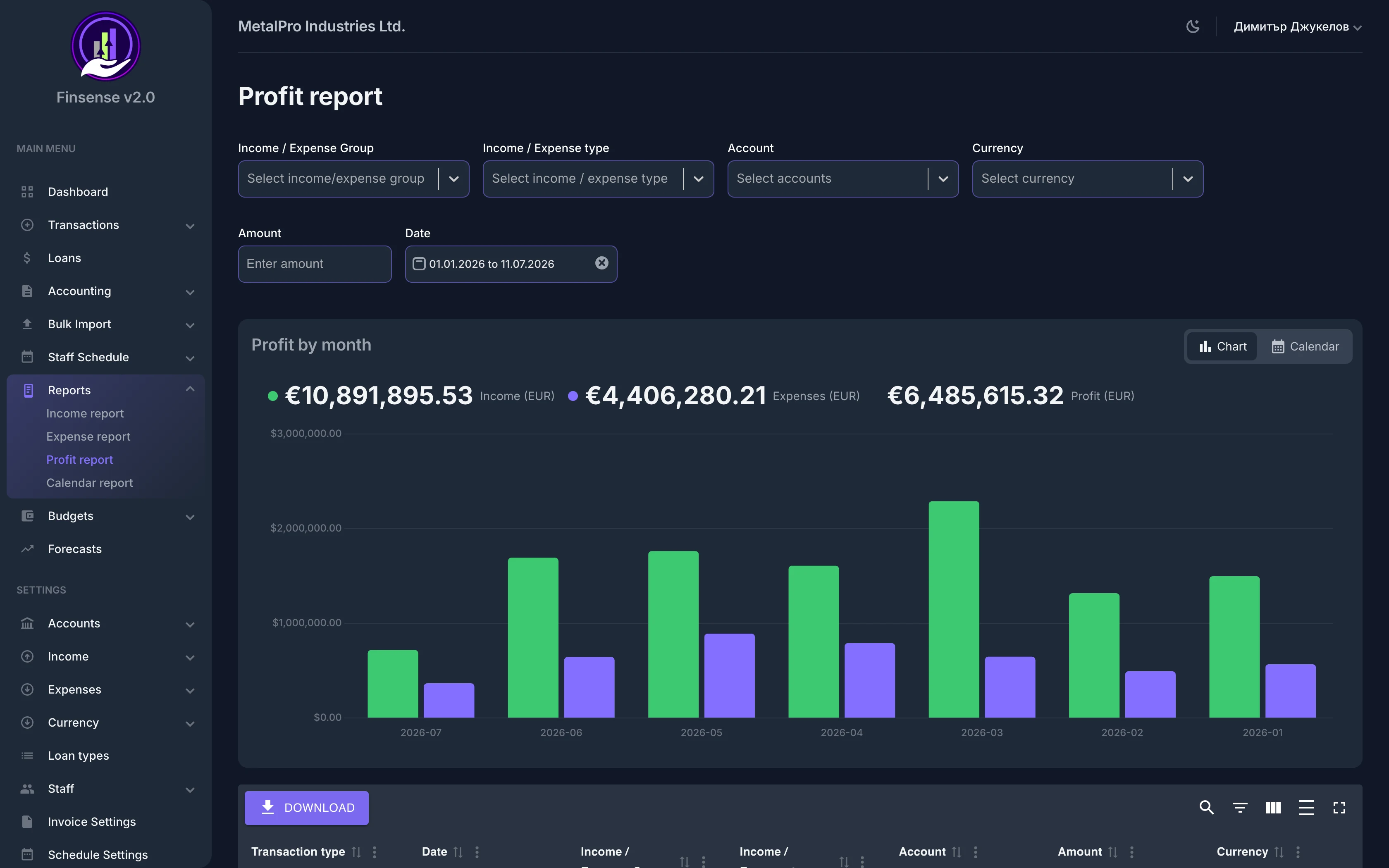
Each budget moves through a clear workflow — draft, active, closed — and exports to PDF with a variance analysis against the plan. Utilization is computed live from your actual expenses, and when you want the numbers behind every line, the financial reports are one click away.
Key Capabilities
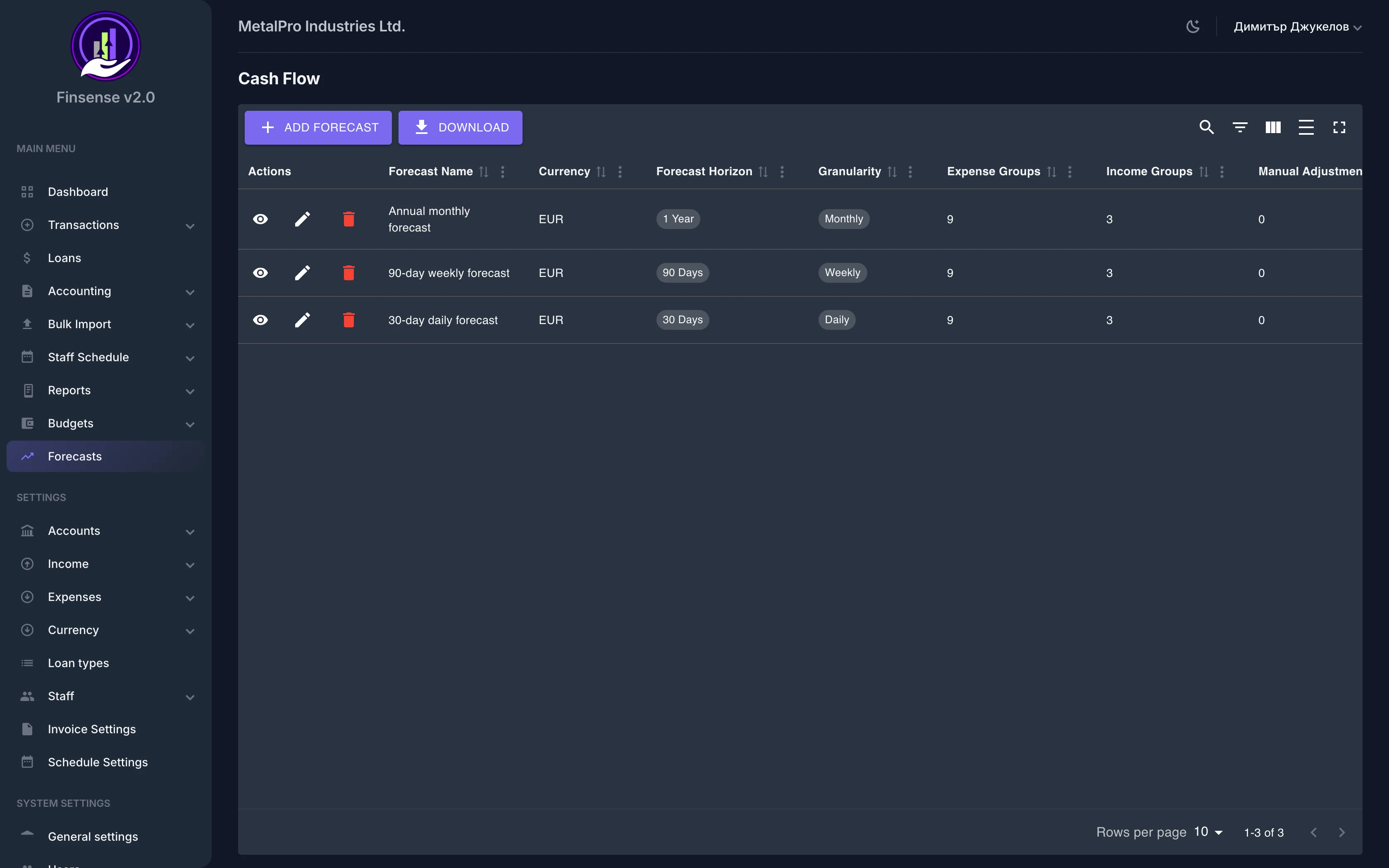
Related features
Ready to try Budget Management?
Start your free 14-day trial — no commitment — and see what this module can do for your business.
14 days full access · No commitment · Cancel anytime