AI document import with OCR
AI-powered OCR scanning with automatic recognition and categorization.
14 days full access · No commitment · Cancel anytime
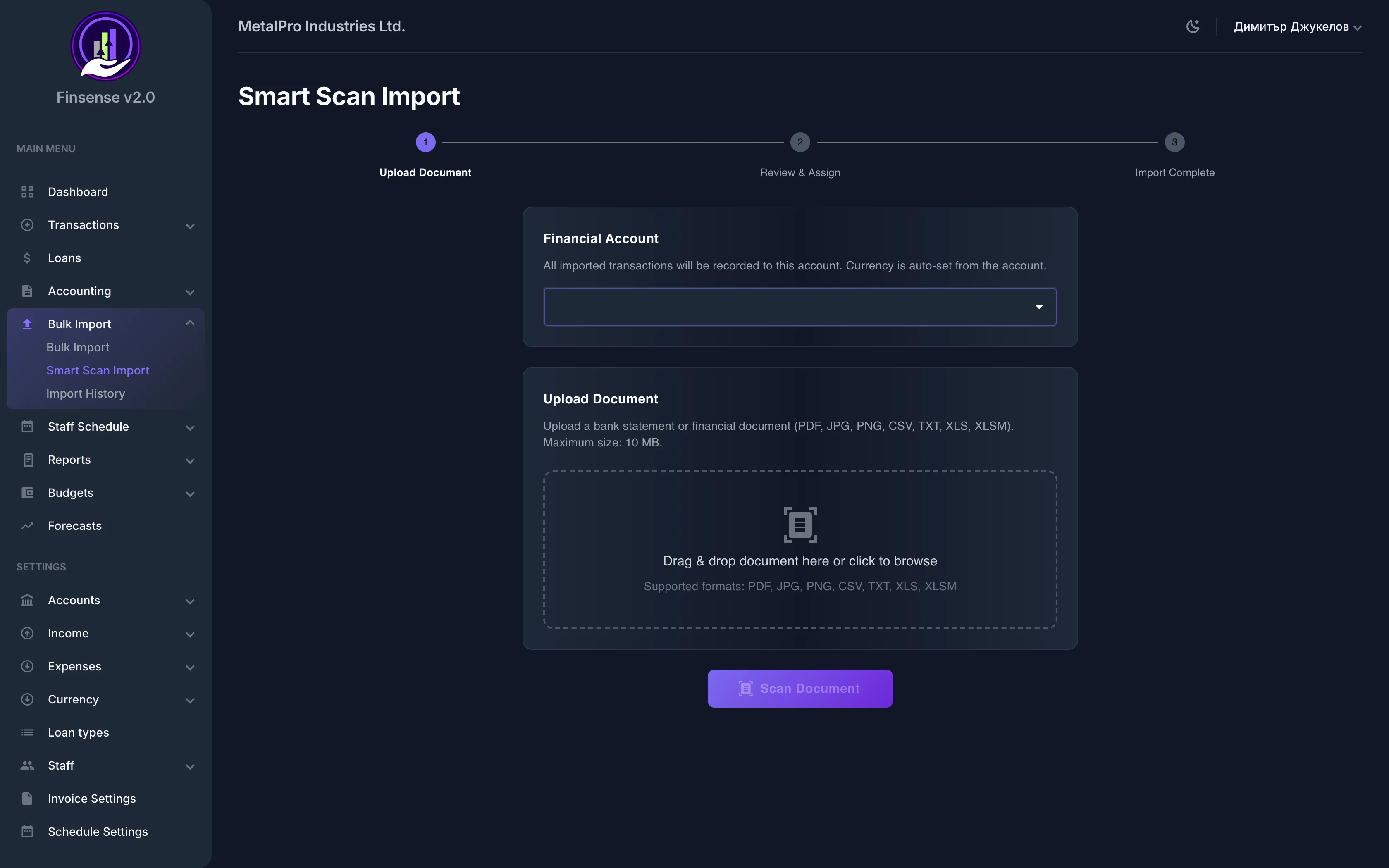
How AI document import works in Finsense
AI-powered OCR scanning with automatic recognition and categorization.
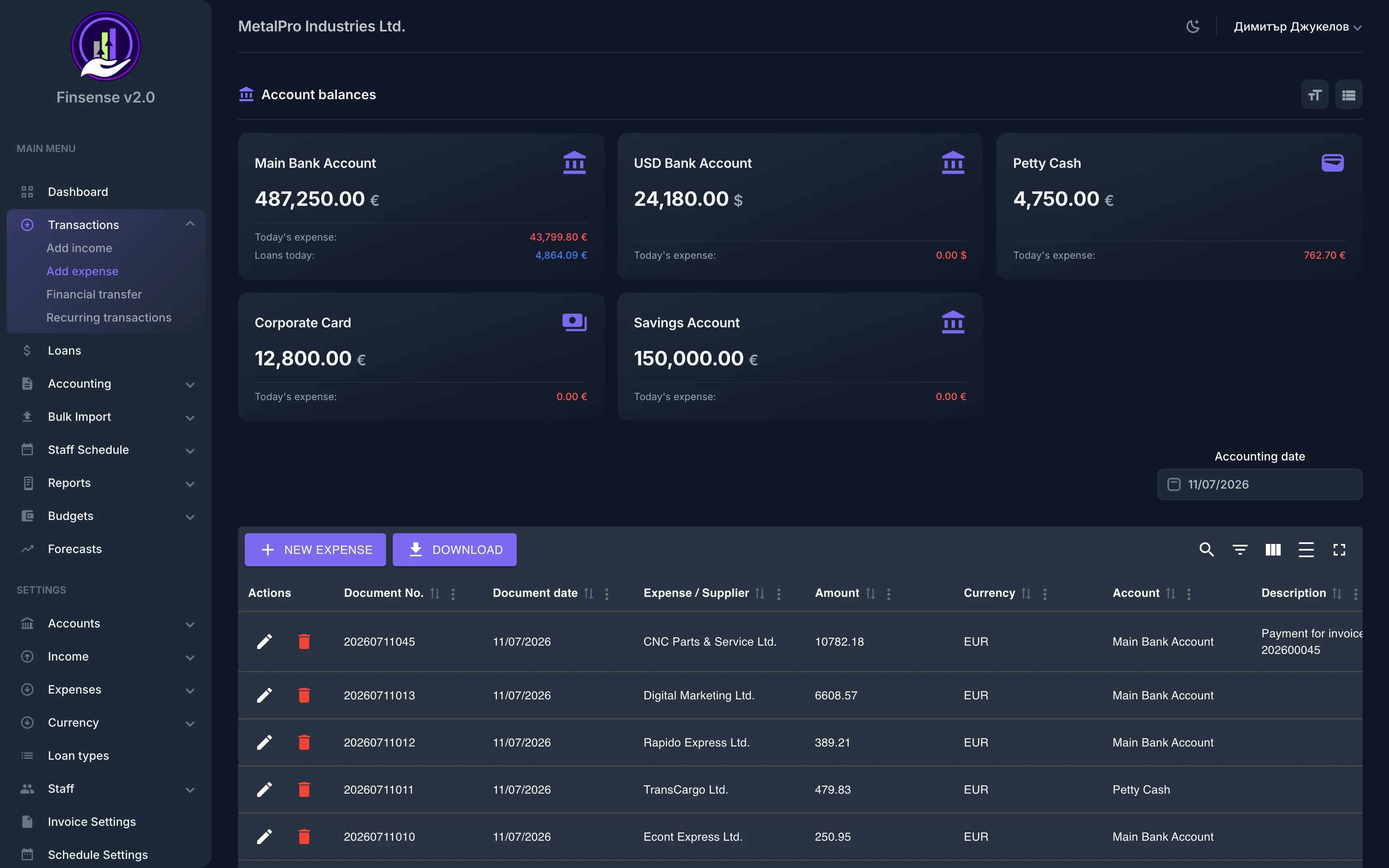
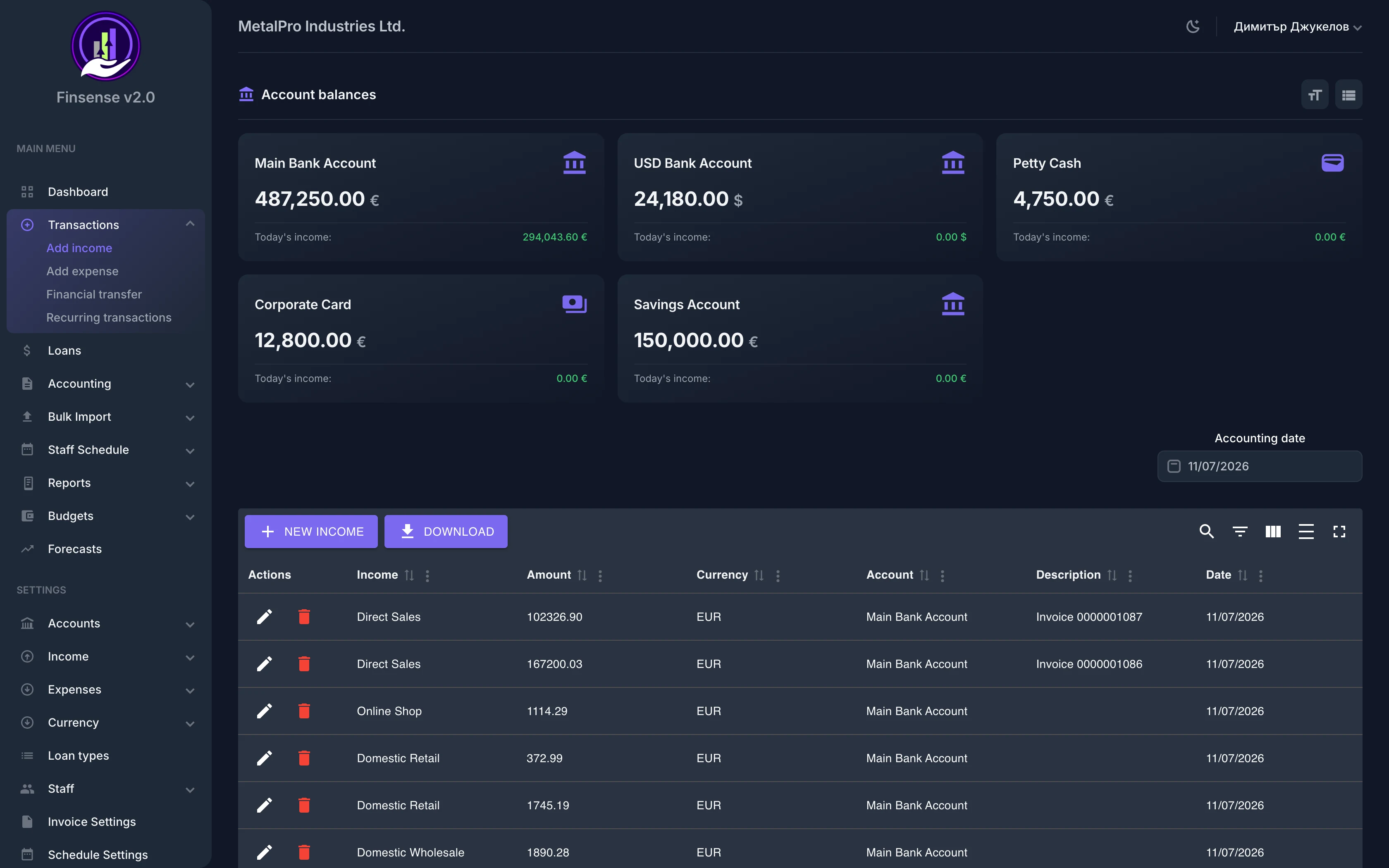
Save hours of manual entry with Finsense's AI-powered Smart Import. Upload a bank statement, invoice, or receipt and the AI automatically recognizes and extracts data via OCR. Each imported row can be categorized as an expense, income, transfer, or loan payment — just like a manually entered transaction.
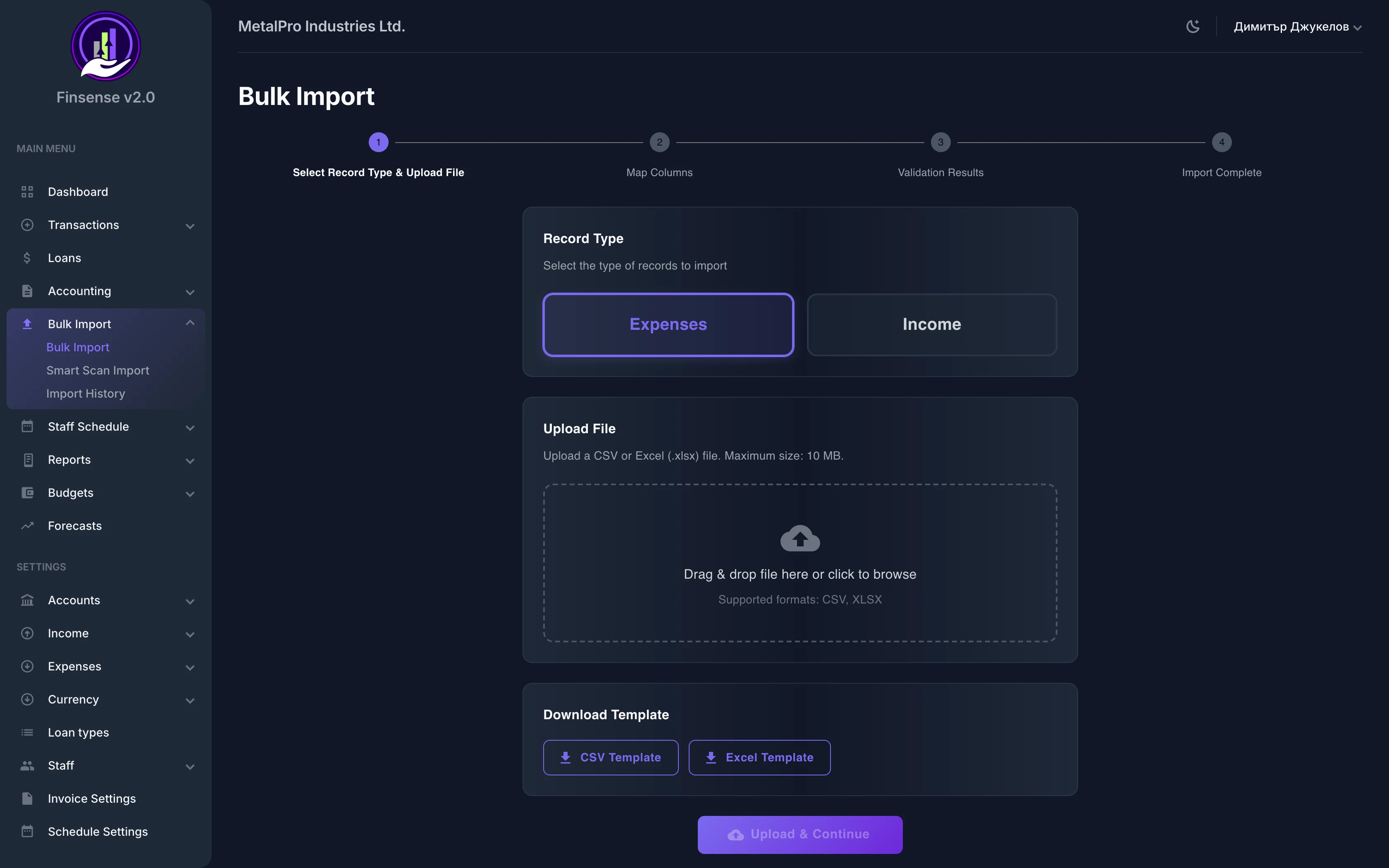
You review and correct everything in a three-step flow — upload, review and assign, finalize — so nothing is saved without your confirmation. Imported records land directly in expenses and the cash flow forecast. And if your data lives in a spreadsheet, use bulk import from CSV and Excel to bring in thousands of records at once.
Key Capabilities
Frequently asked questions
Related features
Ready to try AI Smart Import?
Start your free 14-day trial — no commitment — and see what this module can do for your business.
14 days full access · No commitment · Cancel anytime