Bulk import from CSV and Excel
Import expenses and income from CSV, Excel, and text files.
14 days full access · No commitment · Cancel anytime
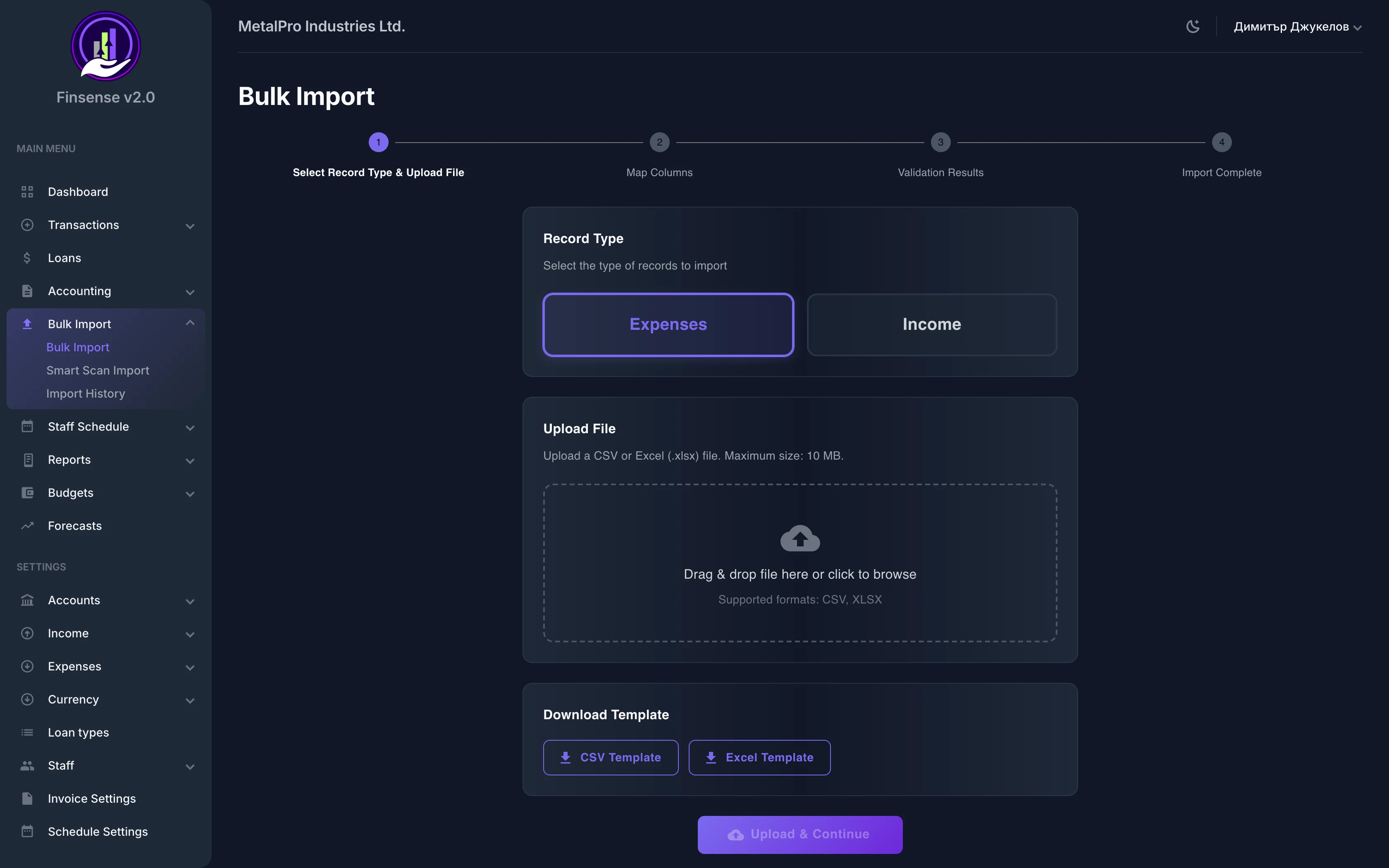
How bulk import from CSV and Excel works in Finsense
Import expenses and income from CSV, Excel, and text files.
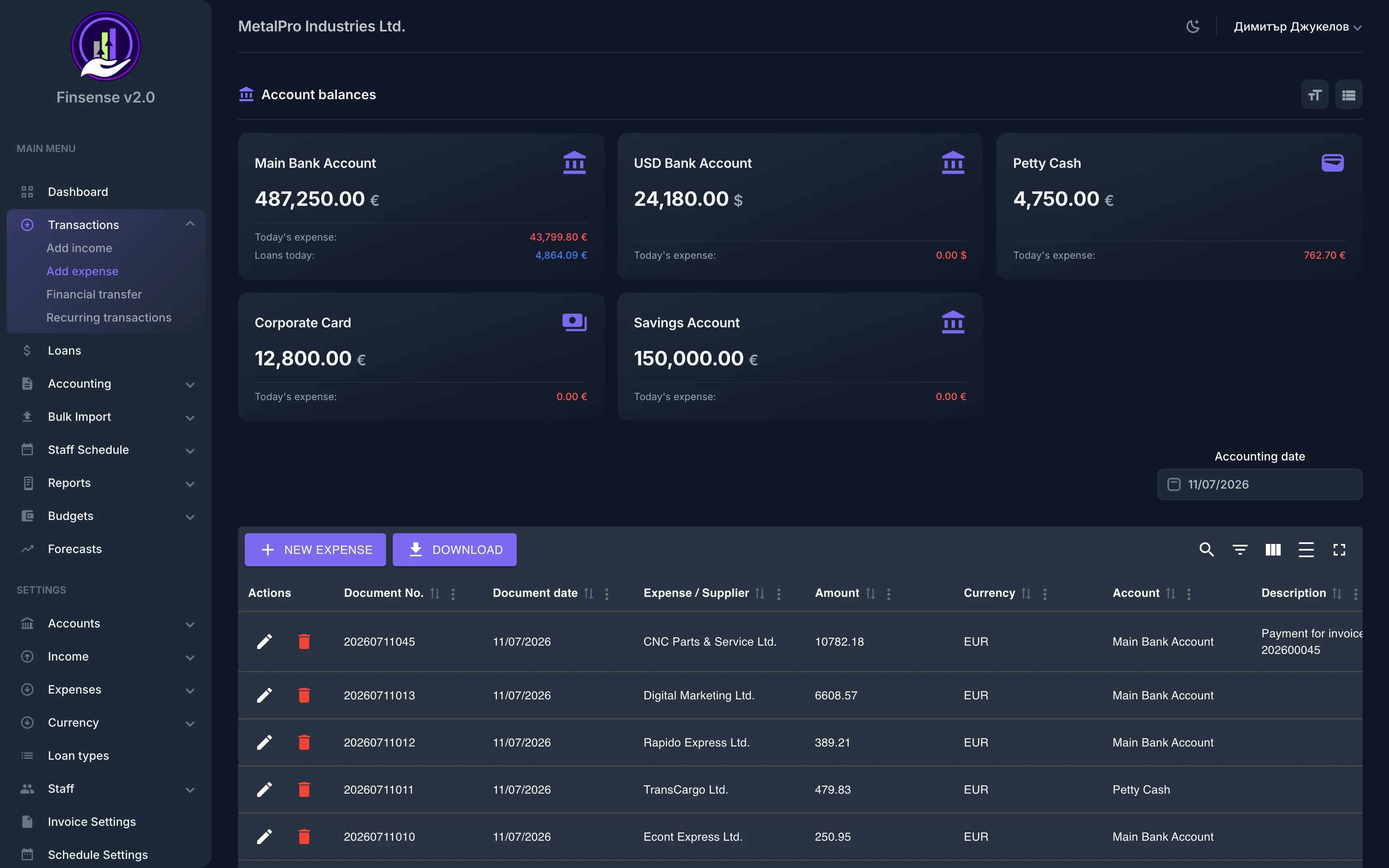
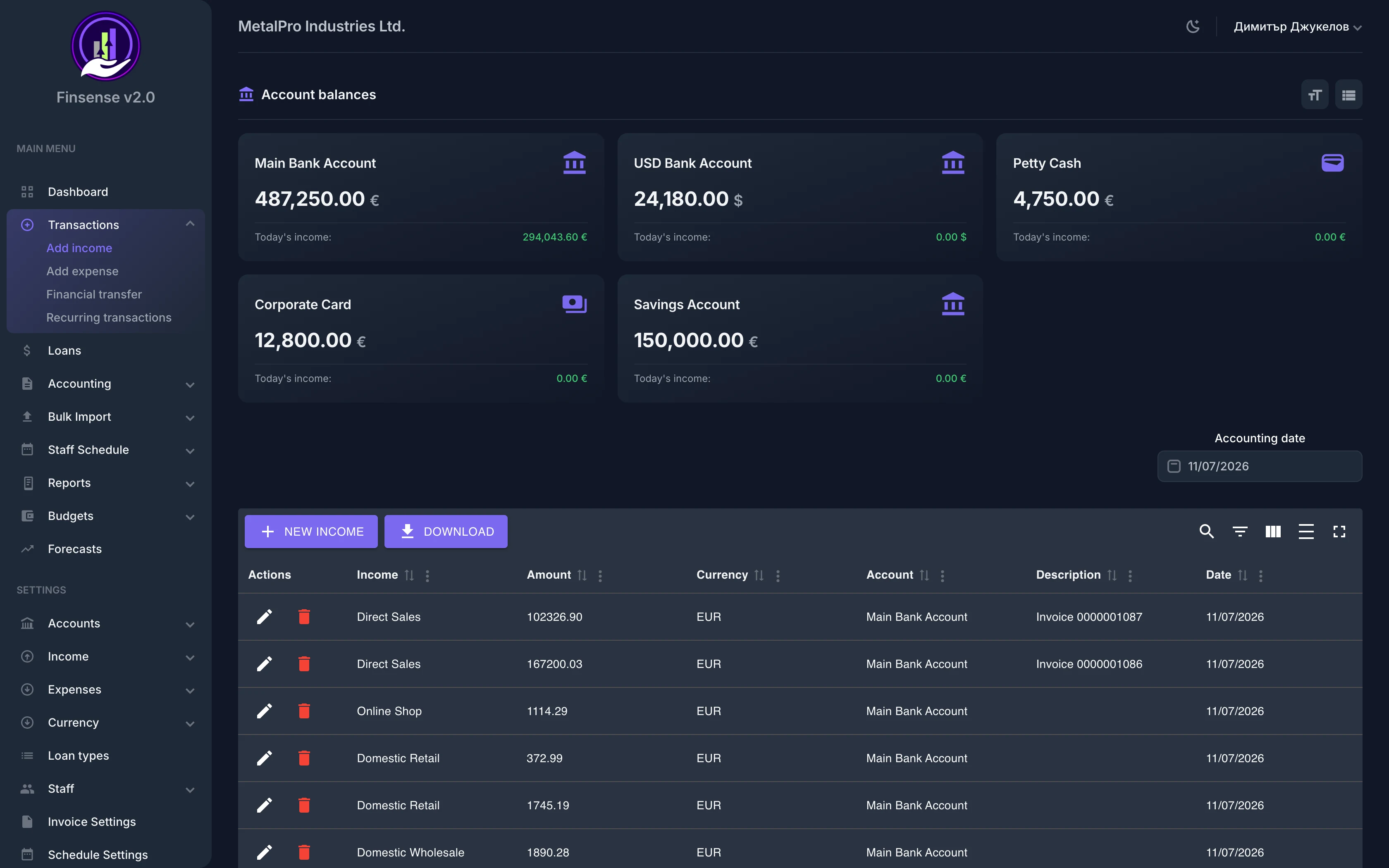
Migrate your data fast with Finsense's bulk import module. Upload a CSV, TXT, XLS, or XLSM file, map columns to system fields, review the data, and import with one click. Supports automatic duplicate detection and currency conversion.
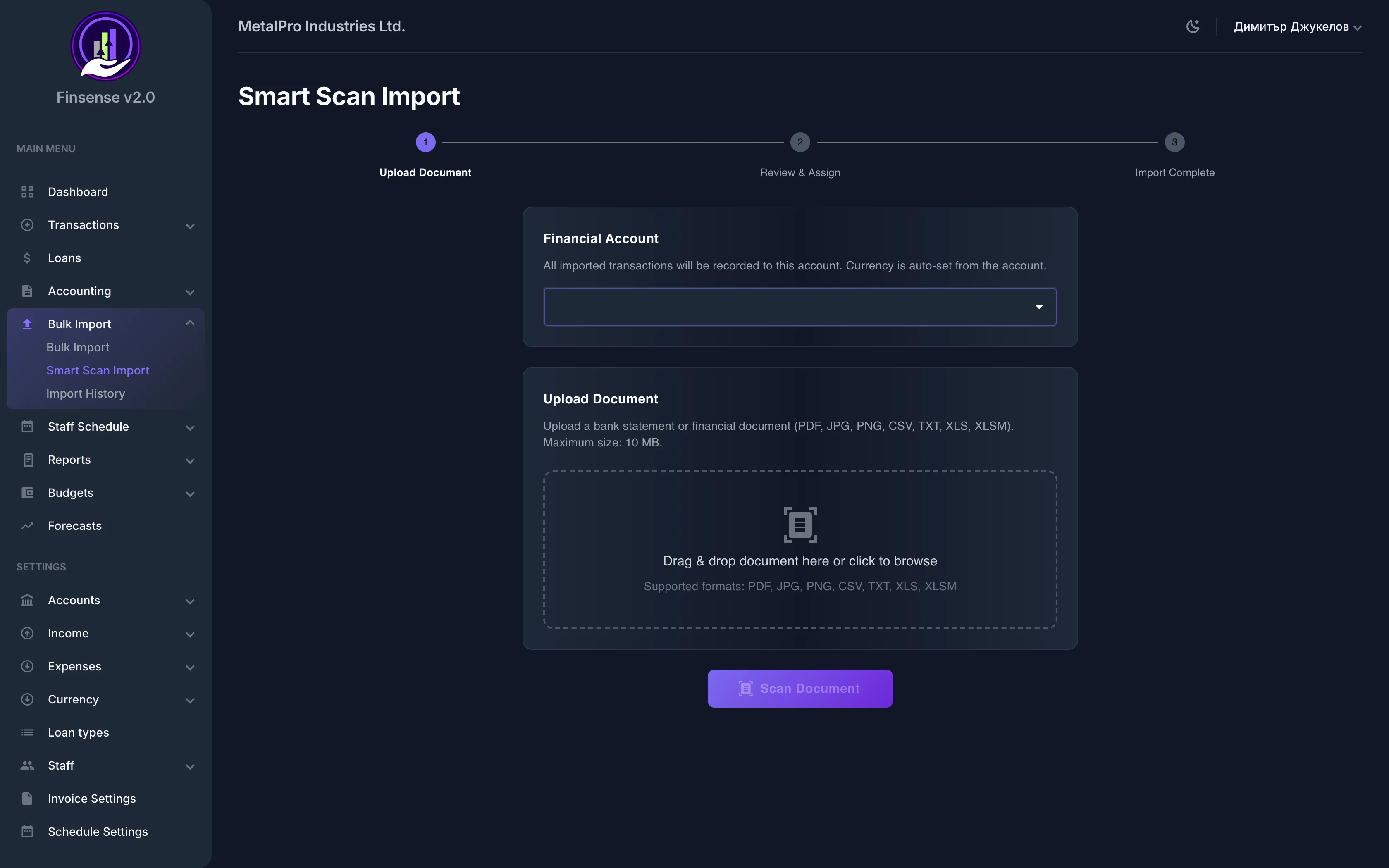
Imported records become a full part of the system, flowing straight into expenses, income, reports and budgets — on par with manually entered data. And for PDF invoices and bank statements, the AI document import with OCR reads them for you.
Key Capabilities
Related features
Ready to try Bulk Import?
Start your free 14-day trial — no commitment — and see what this module can do for your business.
14 days full access · No commitment · Cancel anytime