Customer price lists
Different prices for different customers and agreements.
14 days full access · No commitment · Cancel anytime
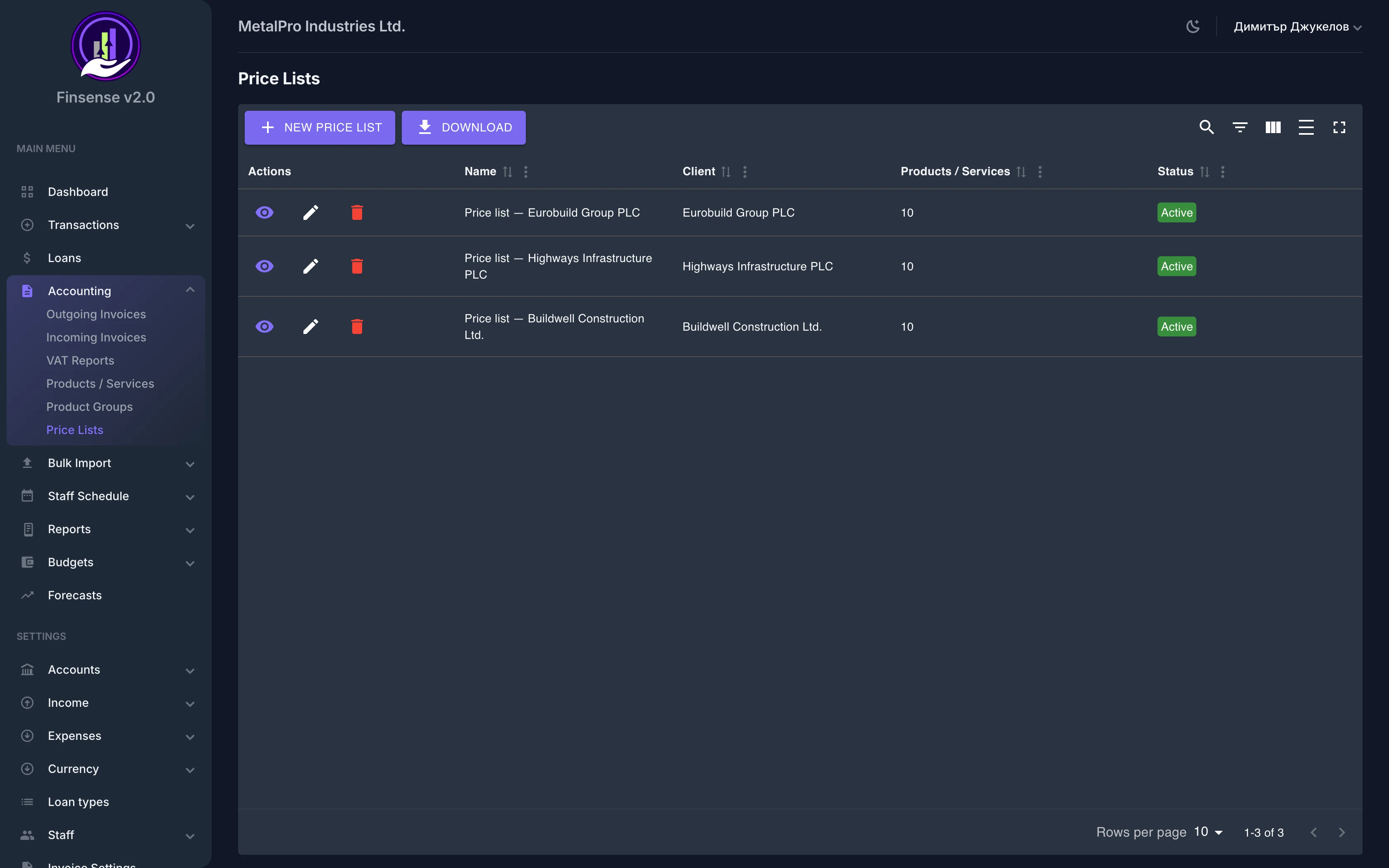
How customer price lists work in Finsense
Different prices for different customers and agreements.
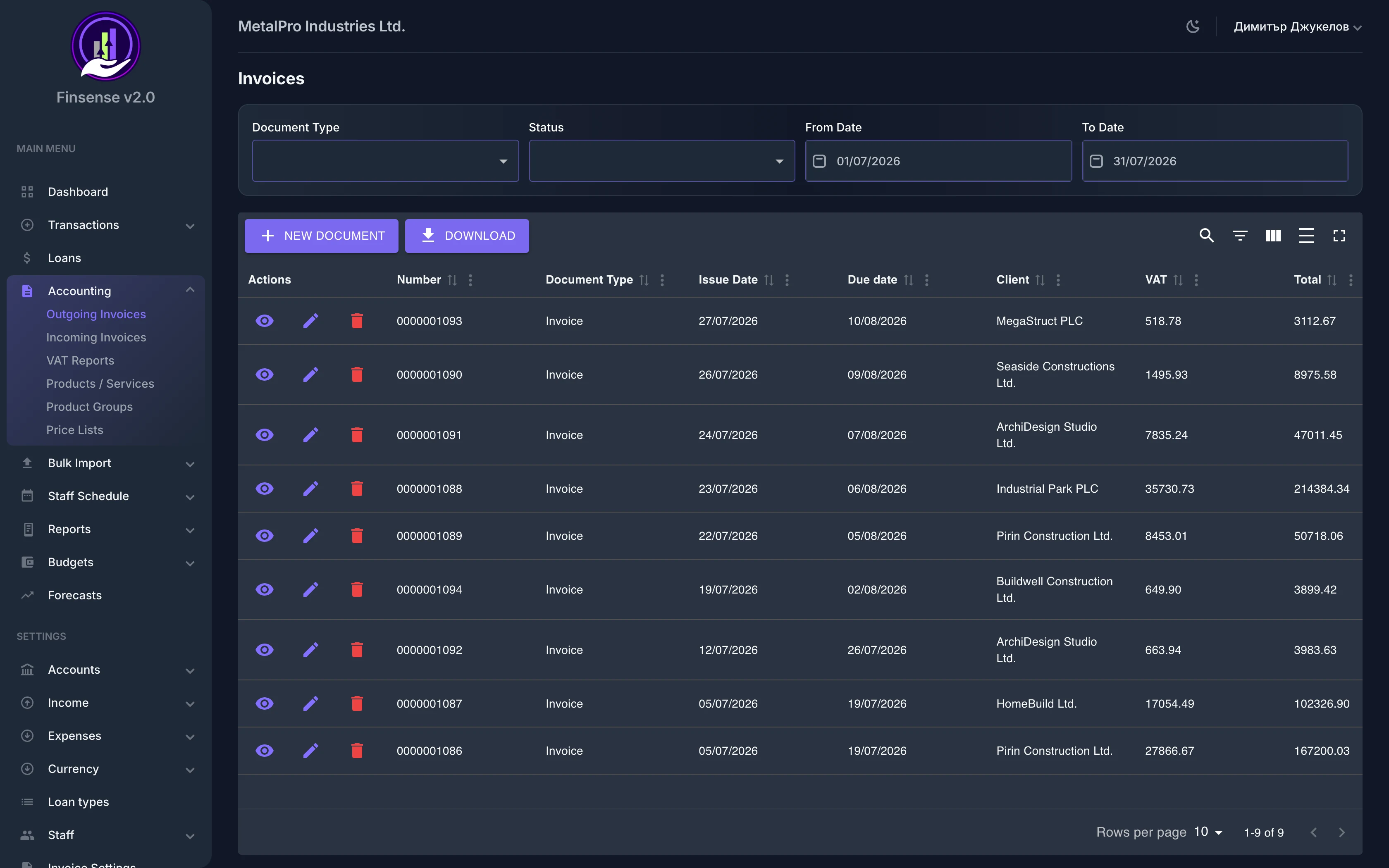
Keep separate prices for different customers and agreements. Create price lists with fixed prices or discounts and the system applies the right price automatically when invoicing — no manual recalculation for each customer.
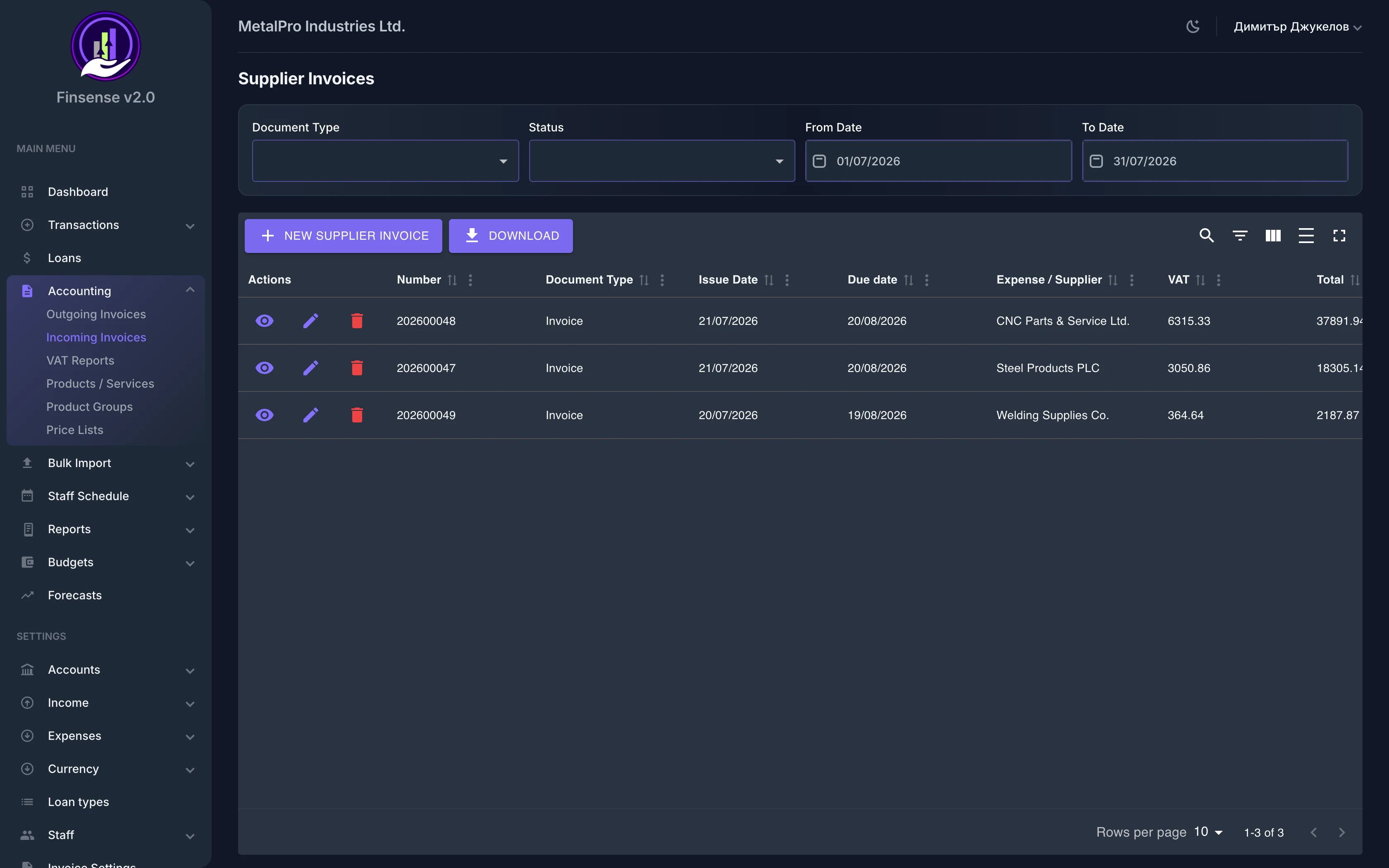
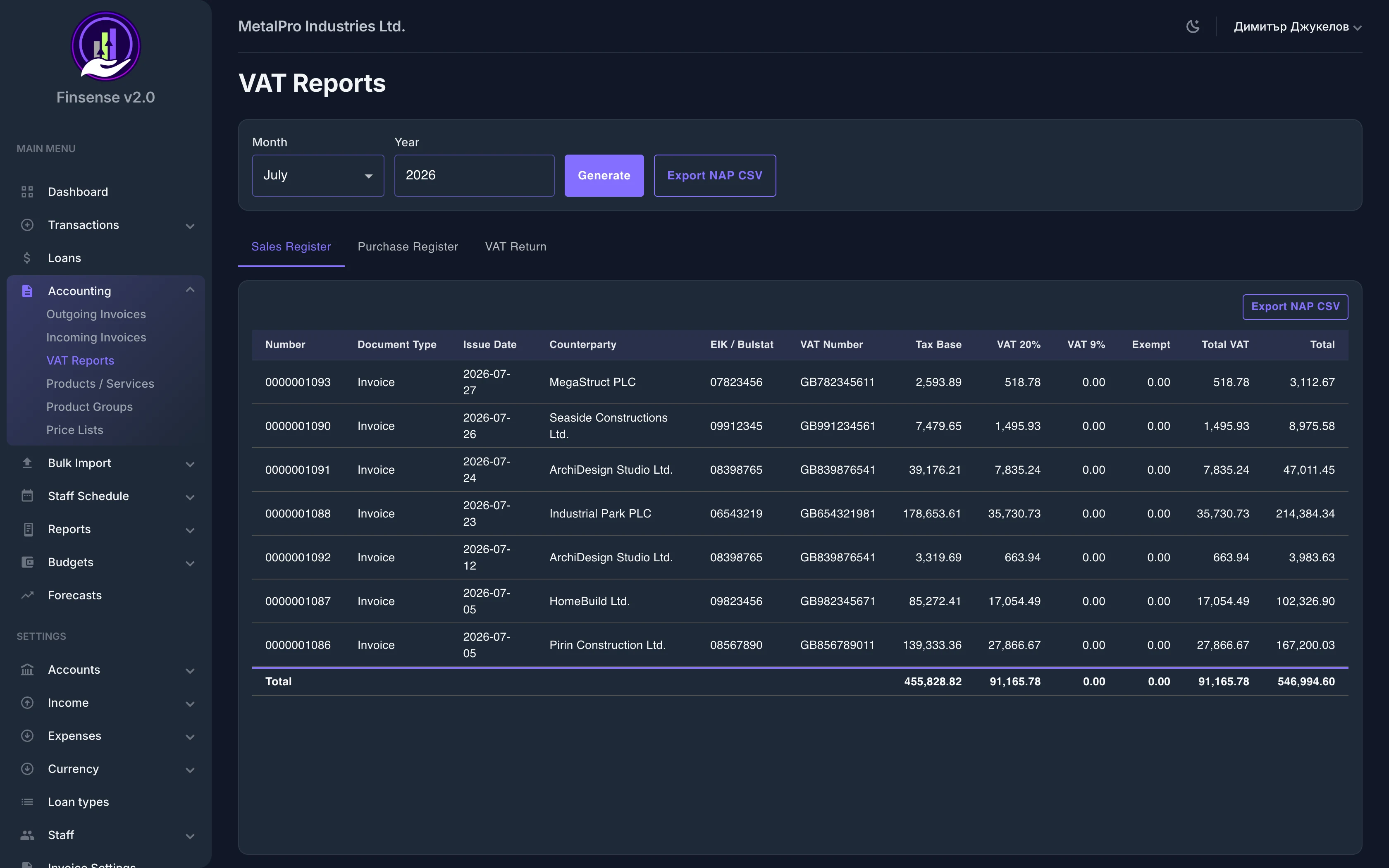
Link a price list to a specific customer and every new invoice starts with the right prices by default. Price lists work hand in hand with the product catalog and invoicing — one source of truth for who buys at what price.
Key Capabilities
Related features
Ready to try Price Lists?
Start your free 14-day trial — no commitment — and see what this module can do for your business.
14 days full access · No commitment · Cancel anytime